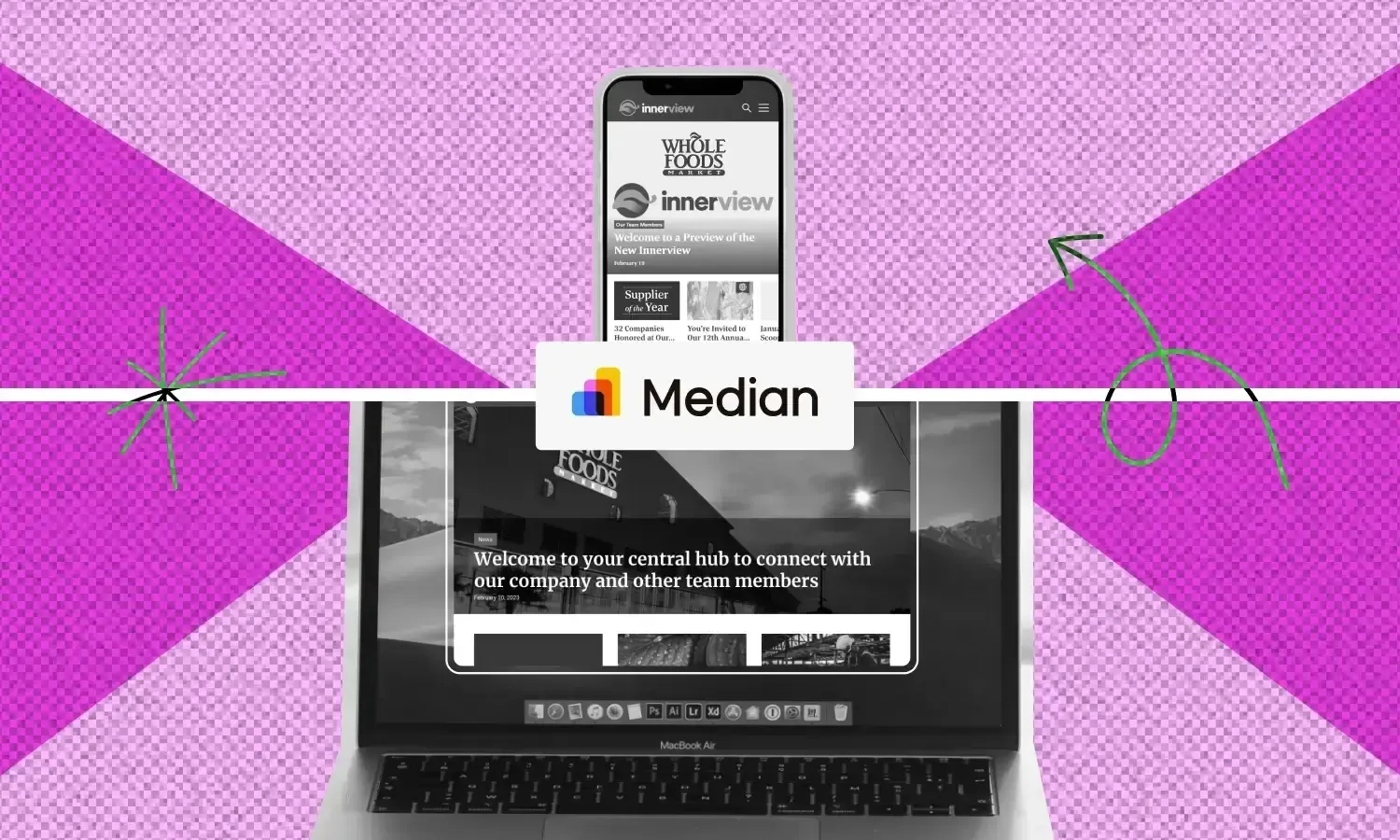
Building a native mobile app from scratch takes months and a budget most teams would rather spend on the product itself. If you already have a website, you don't need to do that. Median's App Studio converts your existing web product into a real iOS and Android app, with native features such as push notifications, Face ID, and in-app purchases, without touching your codebase. You enter your URL, configure your app, and publish.
How to convert your website to a native mobile app
Native mobile apps deliver a meaningfully better user experience than a website viewed in a mobile browser. Users get home screen access, native navigation, push notifications, and device features that a browser tab simply can't replicate.
The problem is that building native apps for iOS and Android from scratch is slow, expensive, and requires engineering resources most teams would rather put toward the product itself.
Native app development can run into six figures and months of runway before you've shipped anything. Maintaining two separate codebases after launch compounds that cost indefinitely.
Converting your website to a native app is the alternative.
Median's App Studio wraps your existing web experience inside a native iOS and Android shell, using a webview architecture that gives you full distribution on the App Store and Google Play without the build cost or a separate codebase.
Whether you built your product onLovable,Base44,Replit, Bolt, Cursor, or a custom stack, the workflow is the same: enter your URL, configure your app, and publish. No mobile engineering team required.
This isn't a PWA. Progressive web apps can't be listed in the App Store or Google Play, and they can't access the full range of native device features that mobile app reviewers like to see.
Median gives you a legitimate native app with Face ID, push notifications, QR scanning, and in-app purchases, discoverable in both stores and installable like any other app.
Build an app for free!
Enter any URL to build your app now
Here's how the full web-to-app process works, from your first build to a published app in both stores.
What does it mean to convert a website to a native app
A native app runs directly on a user's device rather than inside a mobile browser. That means access to device hardware such as Face ID, push notifications, the camera, and QR scanning.
It also means an app icon on the home screen, a splash screen, and navigation patterns that feel built for mobile rather than adapted from desktop.
How does web-to-app conversion work
Web-to-app conversion takes your existing web UI and loads it inside a native shell using a webview architecture. A webview is a browser engine embedded inside a native app container, which is what allows your web content to run inside an app store-approved binary. Your content, your design, and your logic stay the same, but what changes is how the user accesses and interacts with it.
Schedulefly, a scheduling platform used by 225,000 restaurant workers, took exactly this path. The team had a mobile-first web product that was already working well, but users kept asking why there wasn't an app.
Rather than pulling anyone off product to spend months on native development, they wrapped their existing site in a native shell using Median, added push notifications, and shipped to both app stores in two weeks. No new hires, no extended timeline.
The alternative, building separate native apps for iOS and Android, requires two codebases, two engineering tracks, and double the maintenance going forward. For most teams, that's not a realistic option.
What's the difference between a PWA and a native app
A progressive web app, or PWA, is a website that behaves a bit like an app in a mobile browser. It can work offline and load quickly, but it can't access the full range of native device features.
Can you publish a PWA to the App Store and Google Play?
Apple's App Store rejects PWAs outright under Guideline 4.2, which requires apps to "include features, content, and UI that elevate it beyond a repackaged website."
Google Play accepts them through a protocol called Trusted Web Activity, but the resulting app is still browser-based, which means you're limited to what the browser engine supports and cut off from the native features that make apps worth having.
Median takes the web app you already built and turns it into a real iOS and Android app, no Xcode, no Android Studio, and no need to hire a native developer.
You keep building and updating your web app the way you already do, and those changes show up in your mobile app right away, without resubmitting anything to the app stores or asking your users to update.
Median handles the parts that make it an actual app and not just your website inside a frame, such as push notifications, biometric login, deep linking, QR scanning, and in-app purchases.
You build it, test it, and publish it straight from your browser.
Getting your app into the App Store, however you built it
Vibe coding tools such as Lovable, Base44, and Bolt are genuinely fast for getting an idea off the ground. And then there's the more traditional route, a custom stack, a developer on your team, or a framework you've been using for years.
However you got here, what you've built is a web app, and web apps don't automatically become App Store apps. They live at a URL.
Getting from that URL to something a user can find in the App Store and download to their home screen is a separate problem entirely, and it used to mean hiring a mobile developer or getting deep into native mobile development.
The gap between a web app and an app store listing
Many people hit this wall and don't know what to do next. Their app works, but it's stuck in a browser.
Median is what gets it the rest of the way. You publish your project, copy the URL, and paste it into Median's App Studio. That's genuinely the setup.
From there, you configure your app icon and splash screen, connect your Apple and Google developer accounts, test it on a real device, and publish to both app stores. The workflow is the same whether you're coming from a Lovable MVP you built last weekend or a production web app your enterprise team has been running for 10 years.
One thing to do before anything else: get your developer accounts set up if you haven't already. Apple Developer Program is $99 per year. Google Play Console is a one-time $25 fee. You set these up once and they cover every app you publish going forward.
Without them, neither store will let you submit your mobile app.
How to convert your website to a mobile app with Median app builder
Step 1: Enter your URL and build your first app
Start by entering your website URL into Median's App Studio. The platform builds an initial version of your app in a few minutes, loading your website content inside a native shell you can preview immediately in a browser-based device simulator.
At this stage, the app is basic. Your goal is to confirm the core experience works before you start configuring.
Each time you edit and rebuild, Median emails you a download link and an appConfig.json file with your full app configuration. Use a real email address (this file matters for every subsequent step).
Tip: Test your site in a mobile browser before you build. If the mobile experience has scaling issues or broken layouts there, they'll carry into your app. Fix display scaling and font sizes first.
Step 2: Add your app icon, splash screen, and theme colors
These three elements are what make the app feel like yours rather than a browser with a custom URL.
App icon
For your app icon, upload a single square image file, at least 1024x1024px. Median generates all required sizes for iOS and Android from that one file.
App icons affect how your app ranks and displays inside the App Store and Google Play, so treat this as a brand asset, not an afterthought.
Splash screen
Your splash screen is the brief transitional screen users see while the app loads. You can use your app icon or upload a separate image, and you can set a custom background color.
Theme colors
Theme colors control the device status bar and in-app UI components. Use exact HTML color codes rather than approximate matches. Color consistency across iOS and Android matters more than it looks like it will.
As you configure each element, you can rebuild and preview changes live in the simulator before committing.
Step 3: Test your app
Before testing on a physical device, Median's App Studio includes built-in iOS and Android virtual simulators you can use directly in your browser at no extra cost. These are updated regularly to support newer devices and OS versions, which means you can catch most configuration and layout issues without owning a single Apple or Android device.
For most builds, the simulator is enough to get through the bulk of your testing. Where physical devices still earn their place is in evaluating how the app actually feels to use, things such as scrolling behaviour, tap target size, and transition speed that are harder to judge on a screen inside a browser.
Tip: If you're an Enterprise customer, Median offers extended runtime and unlimited simulator sessions, which is worth knowing if you're running a large-scale rollout and need sustained testing capacity.
If you do want to test on a physical device, here's how each platform works:
You’ll need an Individual or Organization Apple Developer Account and a Mac computer. If it's just yourself testing, an individual account is easy to sign up for and you can enroll with Apple. (Note that only paid Apple Developer accounts offer API access.)
Enable API access in your Apple Developer account. Login to App Store Connect and request App Store Connect API access from Users and Access → Integrations → App Store Connect API.
Create an API key and enter the Issuer ID and Key ID, and upload the Private Key File to the App Studio.
Register the Bundle ID for your app within your Apple Developer account. There's also an option in the App Studio to register your Bundle ID automatically via the API connection.
Create an App Store Connect App Record for your app. (This must be created manually in App Store Connect.)
Select Distribution Profile and enable Automatic Uploads to App Store Connect (recommended to simplify updates).
You can test your app on a physical Android phone or tablet by downloading the Application Package (APK) file generated by our build platform and installing it on your device.
Simply open the email received when you first created your app and open your app management link on your Android device. Then click the Download APK link and once downloaded choose Install.
A few configuration steps can make the difference between an app that passes Apple App Store and Google Play review and one that doesn't.
On the website side, fix display scaling to 1:1, disable user zooming, and consider adding dark mode support via the prefers-color-scheme CSS media query. As I've said throughout, Apple and Google review apps against specific standards for how they look and behave. An app that reads like a website in a frame is likely to get rejected.
On the navigation side, Median's native bottom tab bar is the most common addition at this stage. It creates consistent in-app navigation that users expect from a native app and removes the need to scroll to a footer for menu access.
You can also add custom CSS to hide or restyle website elements that don't translate well into an app context, like desktop footers, oversized headers, or elements that assume a wide viewport.
Tip: Remove footer navigation entirely inside the app. You may not have noticed this, but apps don't have footers. If the reviewer sees one, it signals your app is just a wrapped website with no native thinking applied.
Step 5: Add push notifications and native plugins
This is where your app starts doing things a mobile browser never could.
With Median's native plugin library, you can add device-level features using JavaScript, without native iOS or Android development. Each plugin is a few lines of code.
The available options include:
Face ID and Touch ID login
Push notifications via OneSignal
In-app purchases
QR and barcode scanning
Video chat
Social login
Push notifications let you reach users directly on their device with updates, offers, and announcements. Median uses OneSignal as its default push provider. Create a OneSignal account, add your App ID to your Median configuration, and you can send native push notifications at no additional cost.
These features can be added before initial publishing or shipped later as an app update.
Tip: If you're coming from a Lovable build, native plugins are where the real capability gap opens up between a web app and a native one. In-app purchases, biometrics, and haptic feedback aren't available in a browser, but they're available here.
Step 6: Publish to the App Store and Google Play
Publishing requires a Google Play Developer Account and an Apple Developer Account. Both involve a review process, and both have specific standards your app needs to meet before approval.
You can start the process of creating these accounts here:
Once your Apple Developer account is set up, App Studio can connect to it directly and automate the App Store Connect side, including Bundle ID registration and uploads, so you're not exporting files or submitting manually for every update.
You can manage the submission yourself using Median's documentation, or use Median's app store publishing service. The service covers end-to-end submission, app store listing copy, and screenshot preparation.
Apple's review typically runs one to three business days. Google Play is generally faster.
A native app for every use case
Median converts your existing website into a native iOS and Android app without requiring native mobile development. Any update you make to your website is automatically reflected in your app.
It's built for teams that need a real native app but don't want to staff or fund a mobile engineering track to get there. Teams such as:
The common thread isn't industry or company size. It's that all of them had a working web product and needed a real native app without the cost or timeline of building one from scratch.
The native plugin library covers biometrics, push notifications, deep linking, QR scanning, and in-app purchases, so you're not hitting a ceiling once the basics are in place. And the platform scales in both directions, from a founder testing a business idea in App Studio in an afternoon, to an enterprise team rolling out to tens of thousands of employees with dedicated support and maintenance.
If you've already got a working web product, you don't need to rebuild it to ship a native app.
Step 4: Test your app
Now that your app is customized, it’s crucial to test it on different devices before submitting it to the app stores. Median.co offers:
Convenient functionality via a Public Sharing Link to provide access to stakeholders during testing.
And functionality to easily test on physical devices (an Apple Developer account is required for iOS).
Step 5: Launch your app
Access the Billing tab to choose a license and annual plan that suits your needs. Median.co offers various tiers based on the functionality needed for your app.
Additionally, Median offers a service whereby our team will manage the publishing process to ensure your app is approved by the Apple App Store and Google Play.
An iOS webview app is a type of mobile application that uses a webview component to display web content within a native app shell on an iOS device. This allows developers to convert existing websites into apps, providing users with a more app-like experience while using the content and functionality of the website.
To convert a website to an app using a webview, you can use an app development platform that supports webview components. These platforms help create apps with native functionality, allowing you to distribute it through app stores. It also lets you maintain your web content while offering users the convenience of an app.
What are the benefits of using a webview app development platform?
Using a webview app development platform offers several benefits, including faster development times and reduced costs. By using web technologies natively within an app, you can simplify the process of converting web to app, making it easier to maintain and update content without needing to redevelop separate native applications for different platforms.
Frequently asked questions about mobile app development
Does my website need to be mobile-optimized before I convert it to a native app?
Yes. Median loads your website inside a native shell, so if your mobile web experience has scaling issues, broken layouts, or desktop-only navigation, those carry into the app. Fix mobile web first, then build.
Can I use Median with a Lovable or Base44 project?
Yes. Publish your project, grab the URL, and paste it into App Studio. The workflow is the same as any web-to-app conversion. Median's native plugin library gives you access to device features that aren't available in a browser, including biometrics, push notifications, and in-app purchases.
Do I need to know how to code to use Median?
The core App Studio setup requires no coding. Adding native plugins and more advanced configurations requires JavaScript, but not native iOS or Android development. Most teams can handle the setup without a dedicated mobile engineer.
What happens if Apple or Google updates their review requirements?
Median monitors App Store and Google Play policy changes and updates its platform accordingly. If you're using Median's publishing service, the team handles resubmissions and policy responses on your behalf.
How long does it take to convert a website to a native app? The initial build takes a few minutes in App Studio. Time to publish depends on how much configuration and testing you do, and on Apple and Google's review timelines, which typically run one to three business days.
Can I publish a Lovable or vibe coding app to the App Store?
Yes, but you need to add native functionality first. If your app is essentially a website in a wrapper with nothing added, Apple may reject it under Guideline 4.2, which requires apps to go beyond a repackaged website. The fix is straightforward: add native features through Median's plugin library. Push notifications, camera access, Face ID, and a native navigation bar all signal to Apple's reviewers that the app is doing something a mobile browser can't.
*DISCLAIMER: This content is provided solely for informational purposes. It is not exhaustive and may not be relevant for your requirements. While we have obtained and compiled this information from sources we believe to be reliable, we cannot and do not guarantee its accuracy. This content is not to be considered professional advice and does not form a professional relationship of any kind between you and GoNative.io LLC or its affiliates. Median.co is the industry-leading end-to-end solution for developing, publishing, and maintaining native mobile apps for iOS and Android powered by web content. When considering any technology vendor we recommend that you conduct detailed research and "read the fine print" before using their services.*